
Create email account in SmarterMail
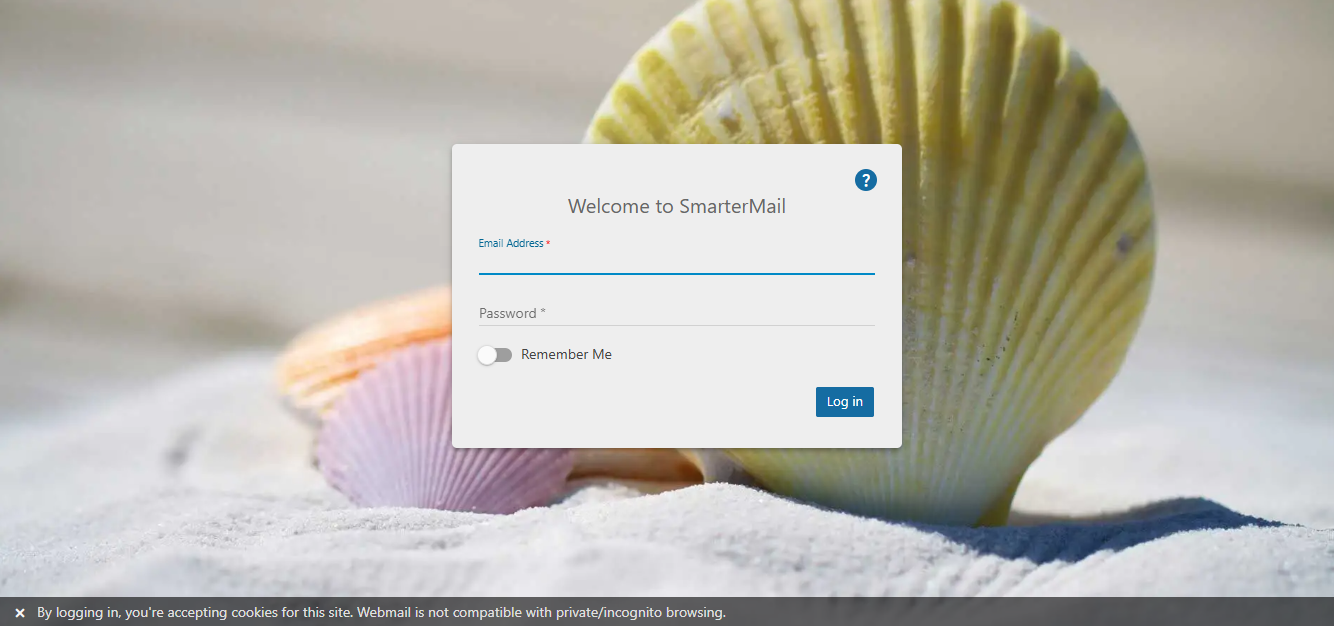
1. Log in to the web interface as an administrator via the URL: webmail.yourdomainname.com, using your email address and password.
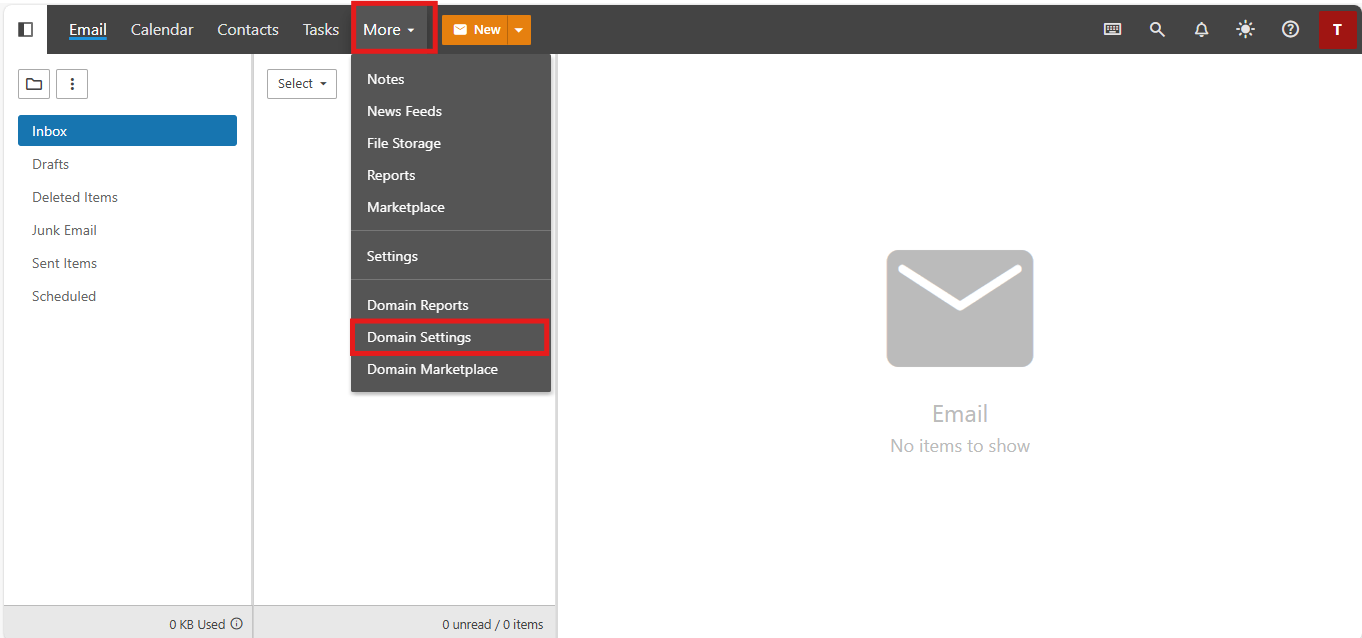
2. Click on the More > Domain Settings > Users.
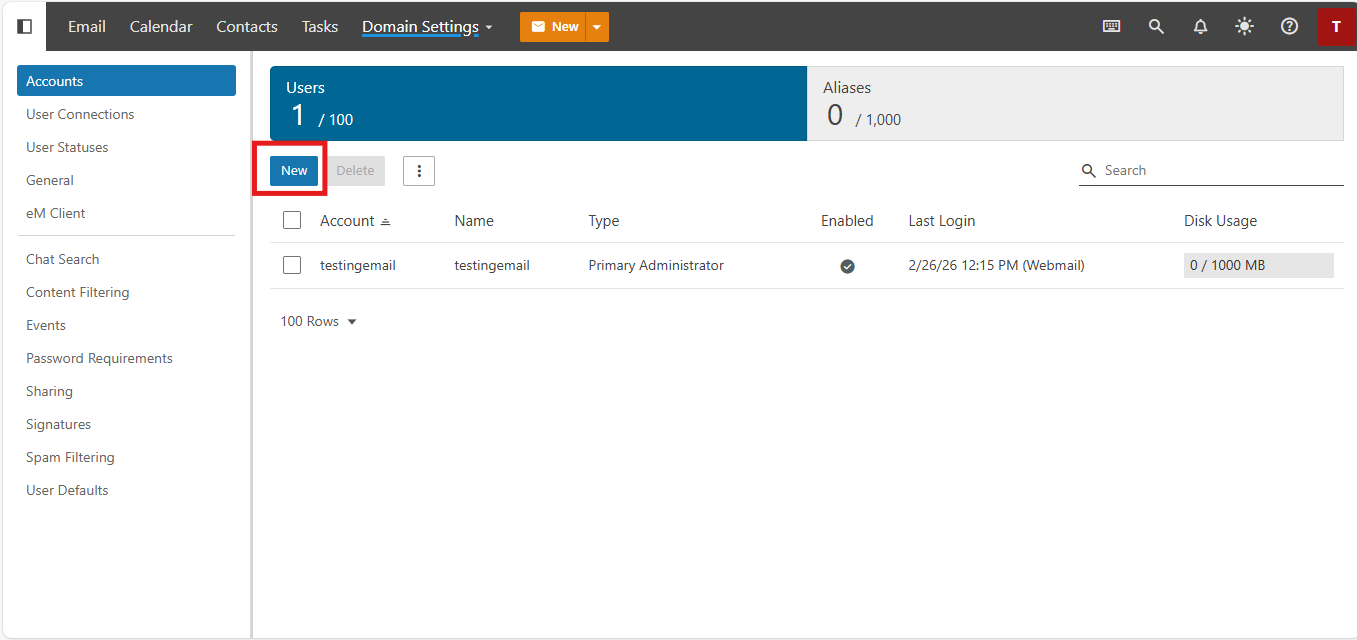
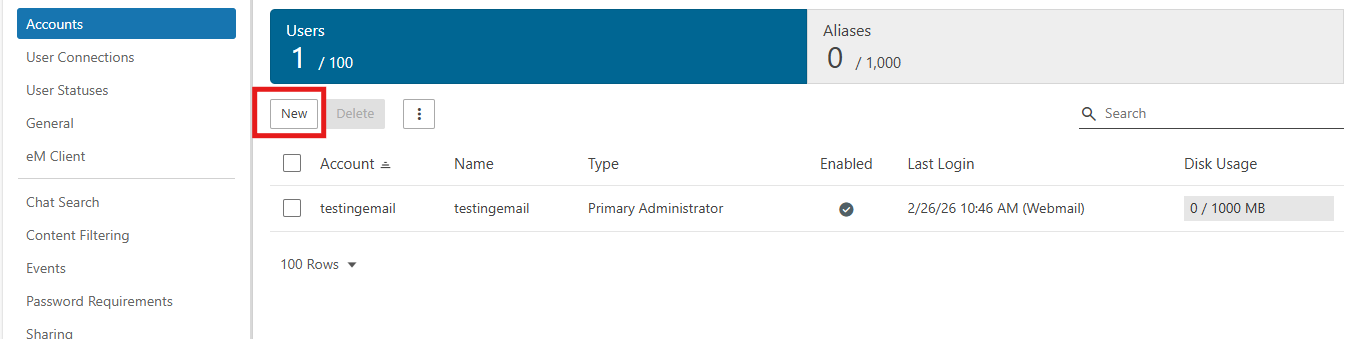
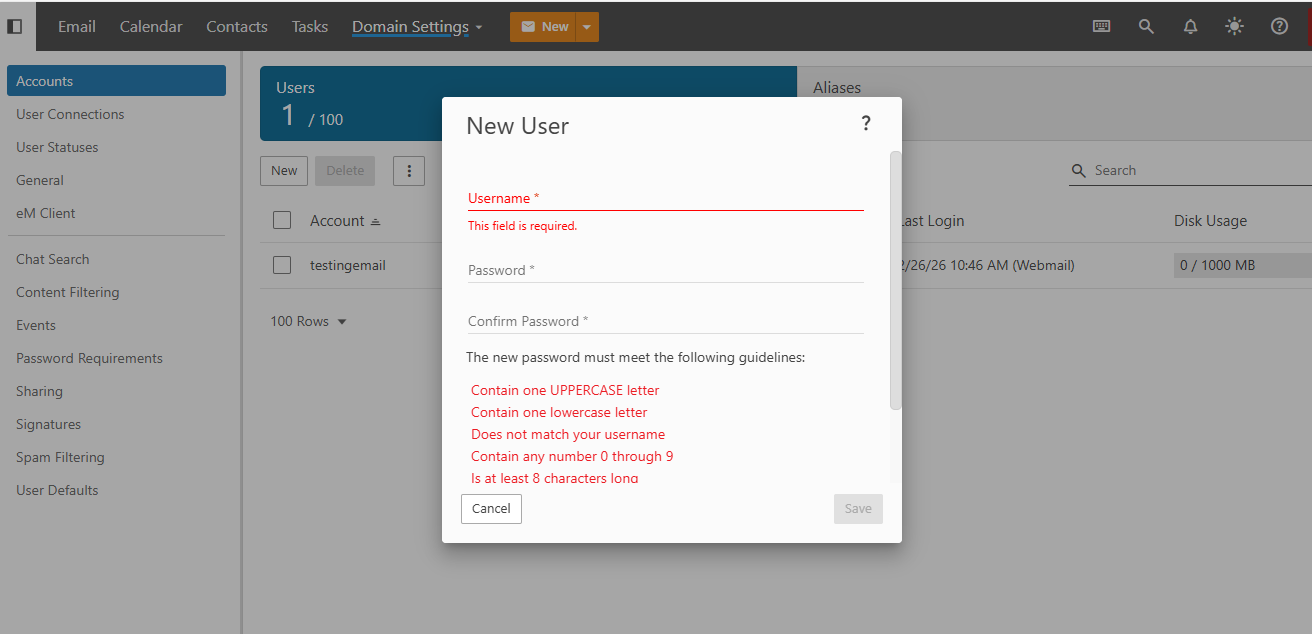
3. Press New to set up a new email account.
4. Enter all the email account details, password and click on Save.
5. You can now attempt to log in to the new email account using the URL: webmail.yourdomainname.com or using the
Note: Only the domain administrator has the authority to create email accounts. If you would like to obtain administrator rights for your email account, please submit a ticket using your primary email address so that we can grant domain administrator access for your email account.