
How to Mount a Drive on CentOS Linux
Mount a Drive on CentOS Linux
This brief tutorial shows you how to mount, and un-mount media such as a Flash drive, CD/DVD, Hard drive, or pretty much any other local mountable media
the first thing you want to do is find out what physical disks are on the system by using the following command:
fdisk -l
(you can also do df -h to show what disks are already mounted) First we need to create the directory we are going to mount to.
mkdir /mnt/Diskname1
from there edit as necessary, but run the following command to mount:
mount /dev/Diskname1 /mnt/Diskname1
That’s it, if should be mounted to /mnt/Diskname1 (should show up like a local folder)
add to startup by typing this command:
vi /etc/fstab
add the drive as necessary
now all we need to do is add the command to startup:
vi /etc/fstab
it should look like so:
from here there is one final command to run, to mount all filesystems
** Note this will re-mount all filesystems, do in off-hours ****
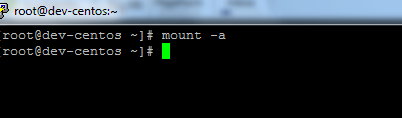
mount -a
Success! no errors!
to do a final check, do another df -h
To Unmount, using the following:
umount /dev/partitionId